
Pro Stringer
CybeX Learning Center
Set up your CybeX, choose the right supports for your sport, and learn the touchscreen and stringing sequence.
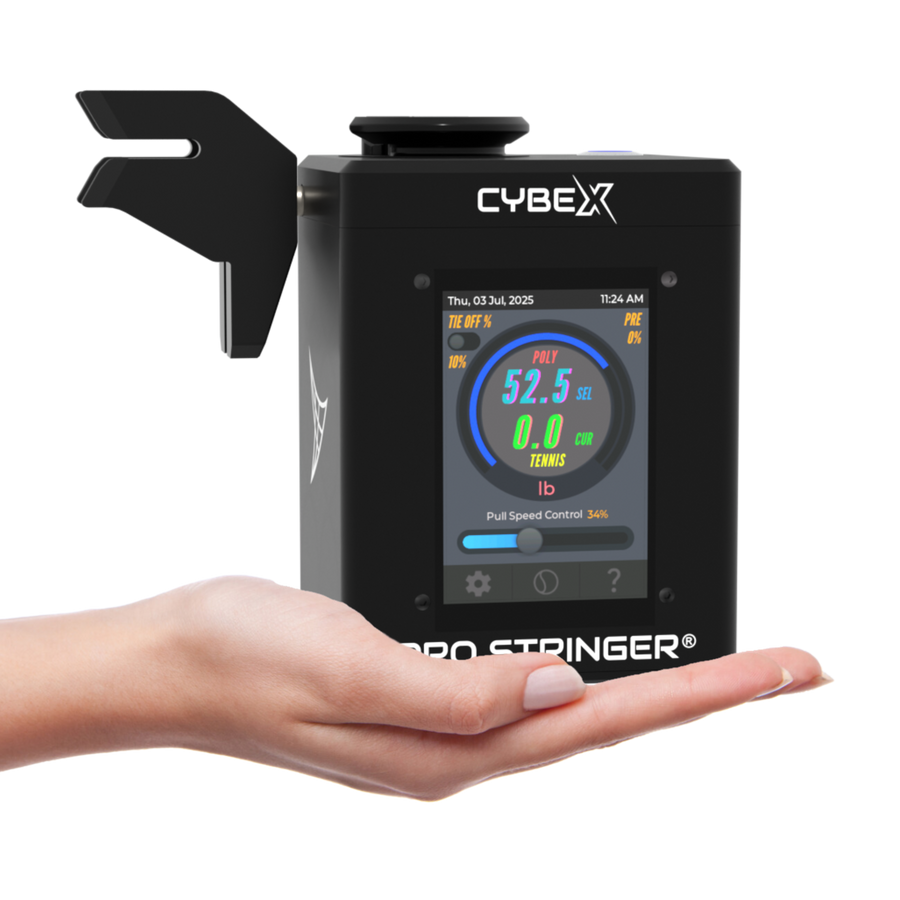
Start with your machine and sport
CybeX strings tennis, badminton and squash. Fit the appropriate clamps and racquet supports before changing sports. For badminton and squash, convert ModuleX-6 to its 4-point configuration.
- Mount the machine and racquet following the guide for your ModuleX setup.
- Set your tension on the touchscreen, within the racquet and string manufacturer’s recommendations.
- Follow the racquet’s stringing pattern, pull and clamp each string, then finish and check your work.
To check or correct CybeX tension with a digital calibrator, follow the CybeX calibration guide.
Compare ModuleX-2 and ModuleX-6 · All stringing lessons · How Platinum 3.0 works
PRO STRINGER CYBEX SET-UP GUIDE


Pro Stringer - Starting Mains With Claw Clamps and Starting Clamp - HEAD START/8 Hole Start
3:47
Watch guide
Pro Stringer - Starting Mains With Claw Clamps and Starting Clamp - THROAT START/ 6 Hole Throat
3:47
Watch guideREADY TO STRING? LET'S GO
Read the CybeX manual alongside the setup and stringing videos.
Open CybeX manual
Explore Sergetti stringing with CybeX
Learn about custom stringing files and the Sergetti workflow for CybeX.
Learn moreWatch the video
Watch videoWhich mounting setup do I have?
ModuleX-2 supports the head and throat; ModuleX-6 adds side supports. Open the comparison and follow the mounting video for your actual setup.
Can I string a different sport?
CybeX supports tennis, badminton and squash with the appropriate clamps and supports. Convert ModuleX-6 to 4-point for badminton and squash.
Where can I get help?
Contact the Pro Stringer team with your machine model, mounting setup and racquet details. For shared clamp and knot techniques, visit the Learning Center.