
Pro Stringer
Platinum Learning Center
Set up your sport-specific Platinum 3.0, adjust the tension dial, and learn to mount, pull and clamp each string.
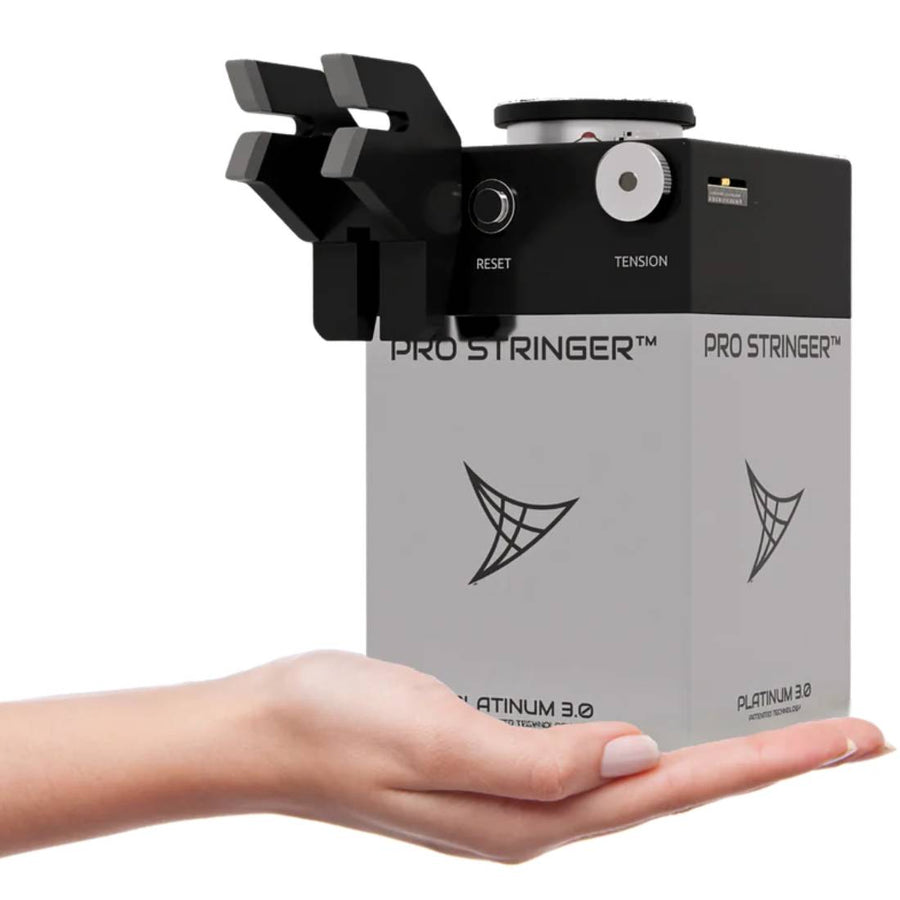
Choose the guide for your Platinum setup
Platinum 3.0 is available in tennis, badminton and squash configurations. Use the machine, supports and clamps intended for your sport.
- Attach the machine securely and mount the racquet with the appropriate ModuleX supports.
- Set the tension dial within the racquet and string manufacturer’s recommendations.
- Follow the racquet’s pattern, pull and clamp each string, then finish and check your work.
For tension adjustment, use the Platinum dial and reset-button guide below. To check your tension with a digital calibrator, follow the Platinum 3.0 calibration check.
Compare ModuleX-2 and ModuleX-6 · All stringing lessons · How CybeX works
pro stringer platinum 3.0 set-up guide







Which mounting setup do I have?
ModuleX-2 supports the head and throat; ModuleX-6 adds side supports. Open the comparison and follow the mounting video for your actual setup.
Can I string a different sport?
Use the Platinum 3.0 configuration intended for your sport. If you want one machine for tennis, badminton and squash, explore CybeX.
Where can I get help?
Contact the Pro Stringer team with your machine model, mounting setup and racquet details. For shared clamp and knot techniques, visit the Learning Center.
Calibration
Check your Platinum 3.0 calibration
Use a digital calibrator to check what your machine actually pulls, then set the tension sticker on the dial to match.

Setting up to check calibration · 2:43
Platinum 3.0 has no calibration menu: you check its pull against a calibrator and set the dial sticker to match. For the dial itself, watch the Tension Adjustment & Reset Button guide above.
Need a calibrator? Pro Stringer Calibrator
Step by step
- Hook the calibrator onto the throat support of your mounting system before you mount the racquet. The Pro Stringer Calibrator attaches with its rope.
- Mount the racquet. Tie a piece of the string you normally use to the calibrator hook, long enough to pass through the head as if you were pulling the first main.
- Turn the calibrator on and zero it.
- Set the tension dial to about halfway, insert the string into the tension head and pull tension.
- When the machine reaches tension, count to three and read the calibrator. The reading keeps dropping after that because the string stretches; the machine is still holding its set tension.
- Set the tension sticker on the dial to the reading you took at three seconds, then pull once more to confirm.